Choose a belonging
Use a suitable keyring, strap, or holder. Keep the tag secure and follow the supplied instructions.
LOWKATE Smart Tags use Bluetooth and a supported finding network to help you locate your essentials. Ring a nearby tag or check its last reported location in the compatible app.
Choose one network at setup. Compatible phone required. Supplier-reported compatibility.
Explore LOWKATE →Use a suitable keyring, strap, or holder. Keep the tag secure and follow the supplied instructions.
Choose Apple Find My or Google Find Hub on a compatible phone. Add the tag in the finding app, rather than pairing it from Bluetooth settings. Keep Bluetooth enabled.
Use sound to help find a tag within Bluetooth range. Farther away, participating devices may report its location to the finding network.
The launch tag uses Bluetooth and the selected finding network. It has no built-in GPS or cellular connection and does not require a cellular plan for the tag.
There is no guaranteed update interval. Network availability, nearby devices, and surroundings affect updates.
The supplier specifies support for Apple Find My or Google Find Hub, with one network active at a time. To switch, remove the tag from the original account, reset it, then pair in the other app. Huawei / HarmonyOS devices are not supported. Exact system requirements are confirmed before purchase.
A centralized live location dashboard is not part of this launch offering. Finding happens through the supported finding app.
No. A tag can help with finding, but location availability and recovery are not guaranteed.
See how smart finding fits into the things you carry and the places you go.
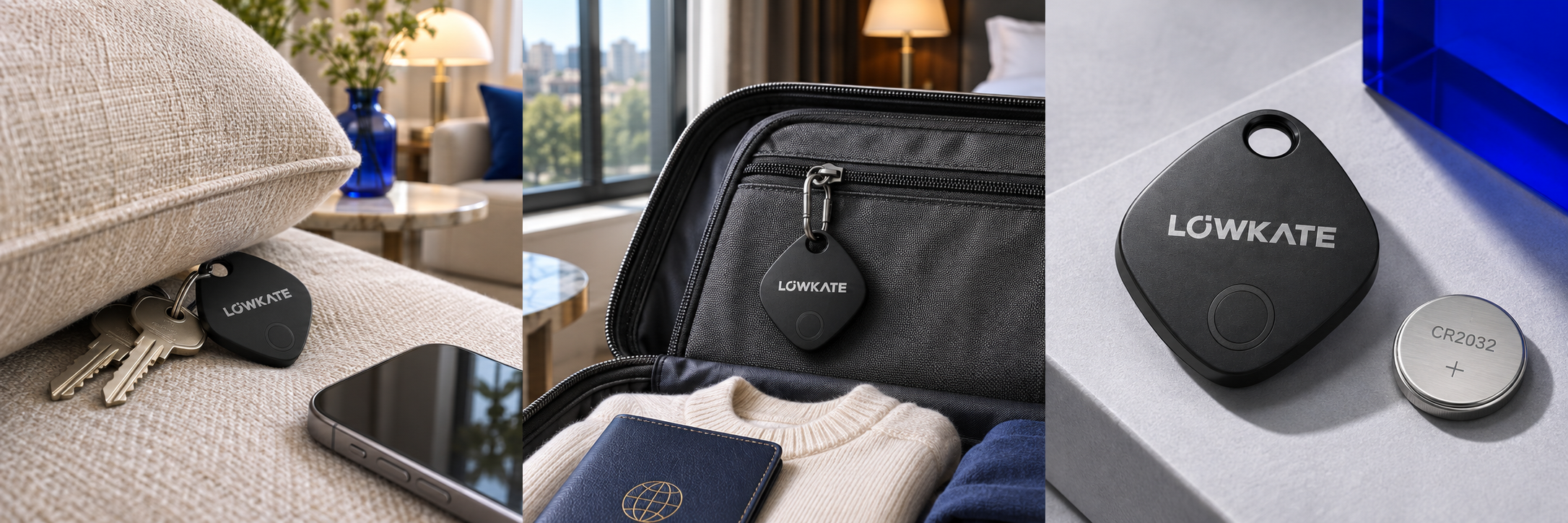
Tap Play Sound in your selected finding app to ring a tag within Bluetooth range. A familiar sound helps point you toward the belongings hiding in plain sight.
Check your bag’s last reported location in Apple Find My or Google Find Hub. Participating devices can help report a tag beyond your own phone’s Bluetooth range. Updates depend on nearby devices and network conditions.
A last reported location may not be current. LOWKATE does not provide continuous GPS tracking.
The supplier specifies a user-replaceable CR2032 battery, so you can replace the battery when needed. Follow the supplied instructions and close the housing securely afterward.
LOWKATE branding concepts and AI-created product imagery inspired by supplier materials. Final product details and accessories are confirmed before purchase. Keep coin-cell batteries away from children and pets.
Compact, lightweight, and built around the finding apps you already know.
Pair through Find My on a compatible Apple device.
Pair through Find Hub on a supported Android phone. Huawei / HarmonyOS devices are excluded by the supplier.
Supplier-reported compatibility. Choose one finding network at setup. To switch between Apple and Google, remove the tag from its original account, reset it, and pair again. The tag does not use both networks simultaneously. Exact phone and operating system requirements will accompany the production version.
Specifications supplied for the proposed launch hardware, subject to production verification. IP67 indicates water and dust resistance, not suitability for swimming or prolonged immersion. Bluetooth range varies with surroundings. Remote finding depends on participating devices and network conditions; the nearby range is not a limit on where a network-reported location can appear. Battery life varies with use.